


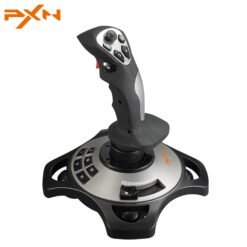
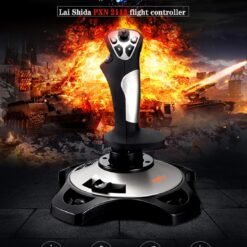

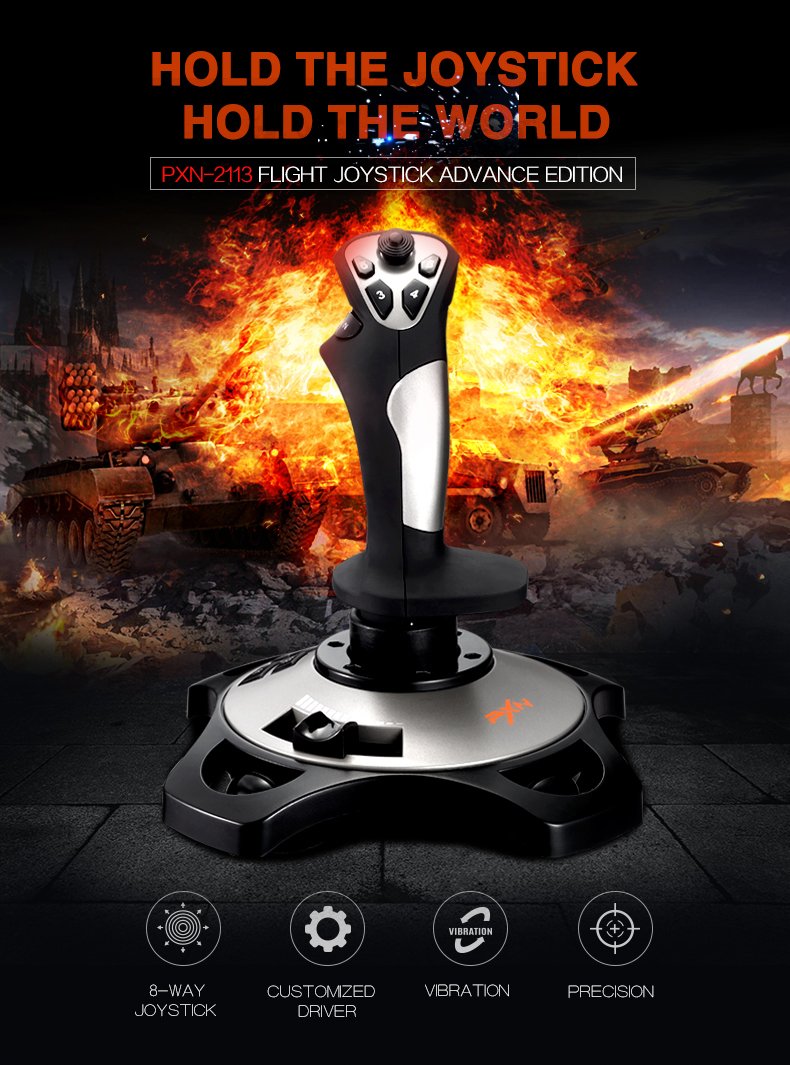
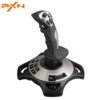
PXN 2113 Pro Flight Simulator Controller Joystick for PC flight joystick Controls with Vibration Function and Throttle Controls Wired
Warranty : 1 Year
Model: 2113 Pro
Note: Shipping and Packing Charges are in advance. We do not send parcel without advance shipping charges you will get message on whatsapp regarding advance shipping and packing charges. thanks
Original price was: ₨ 14,999.₨ 13,899Current price is: ₨ 13,899.
100% Original and Authentic Product
Easy Returns and Warranty Claims
Fast and Secure Shipping
PXN 2113 Pro Flight Simulator Controller Joystick for PC flight joystick Controls with Vibration Function and Throttle Controls Wired
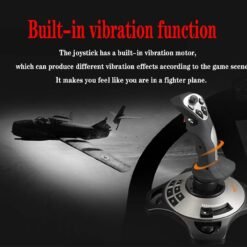
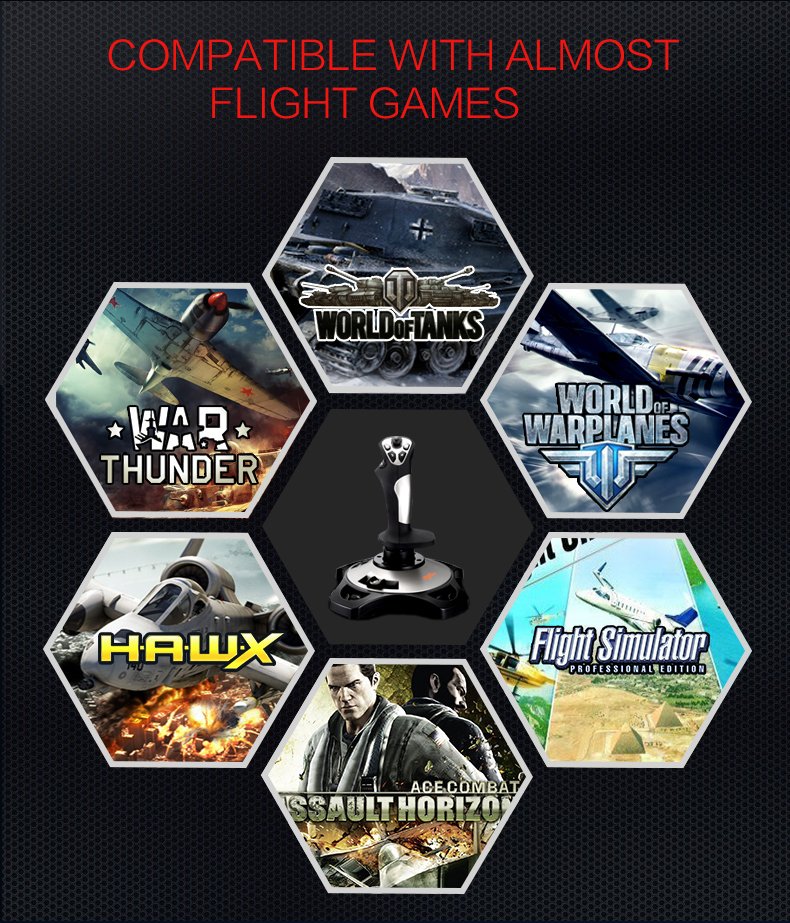
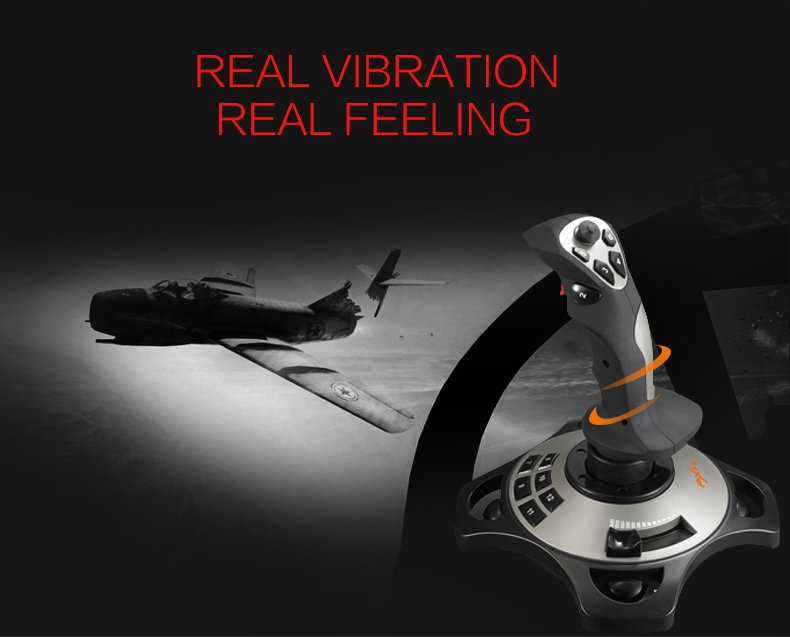
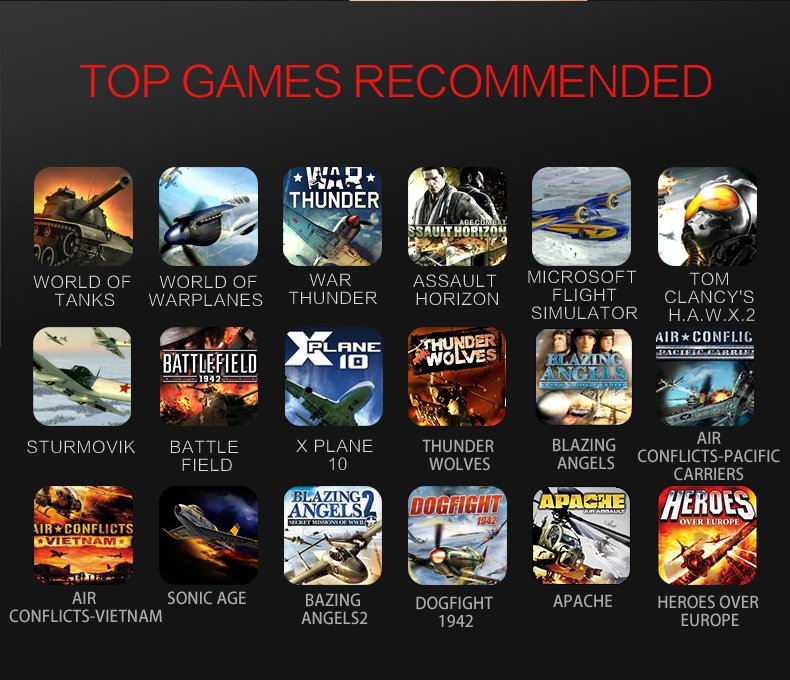
- 【With Vibration Function】PXN 2113 Pro flight stick is ONLY for PC/Computer and ONLY compatible with Windows 7/8/10/11 (Mac/Apple computers/Apple devices/PS3/PS4/PS5/Xbox One/Switch not supported).PXN2113 PRO gaming joystick for pc will never let you down with a realistic fly experience. Compatible with many flight joystick pc games: World of Tanks, World of Warplanes, War Thunder, Assault Horizon, Microsoft Flight Simulator,X Plane 10, etc. The vibration switch is at the bottom. Please switch to“ON”.If less than 20%,you will almost not feel the vibration. Please set the vibration strength in the driver to 50% or higher for this joystick pc flight simulator.
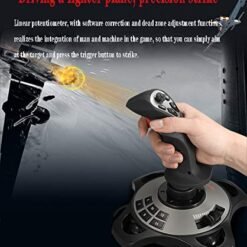
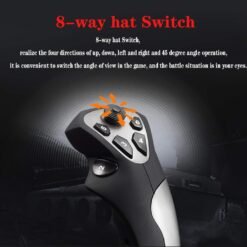
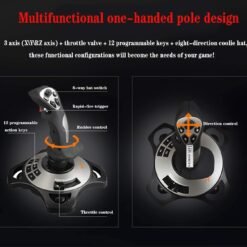
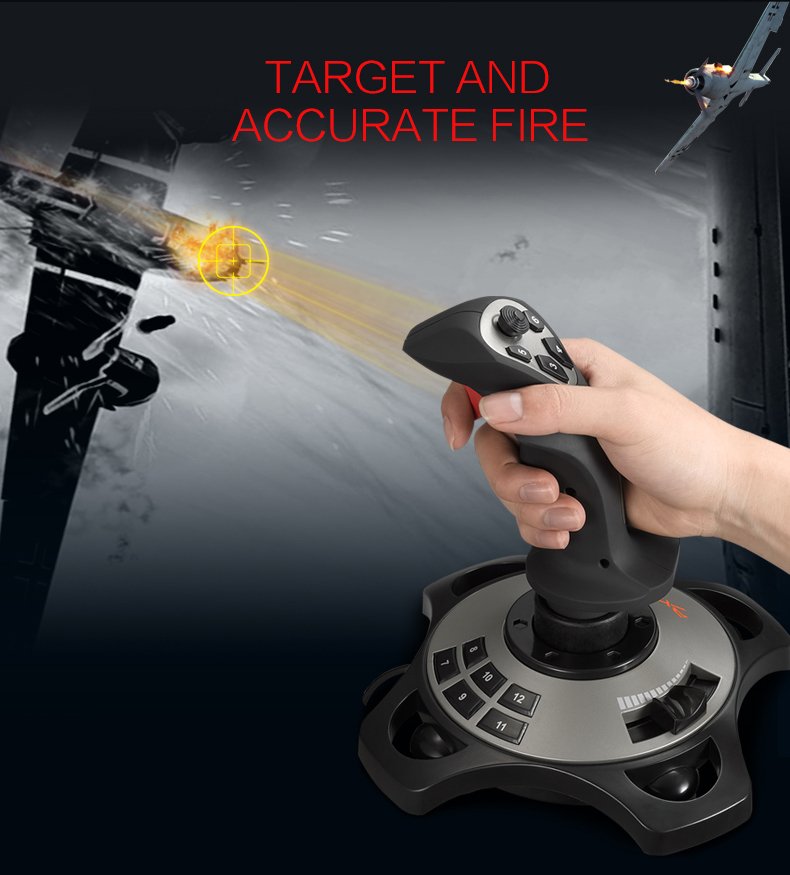
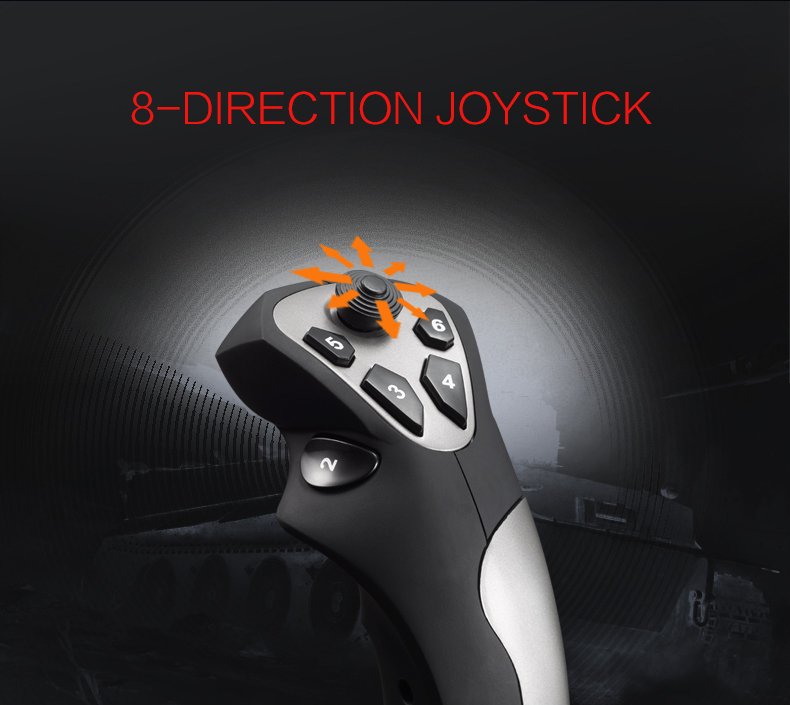
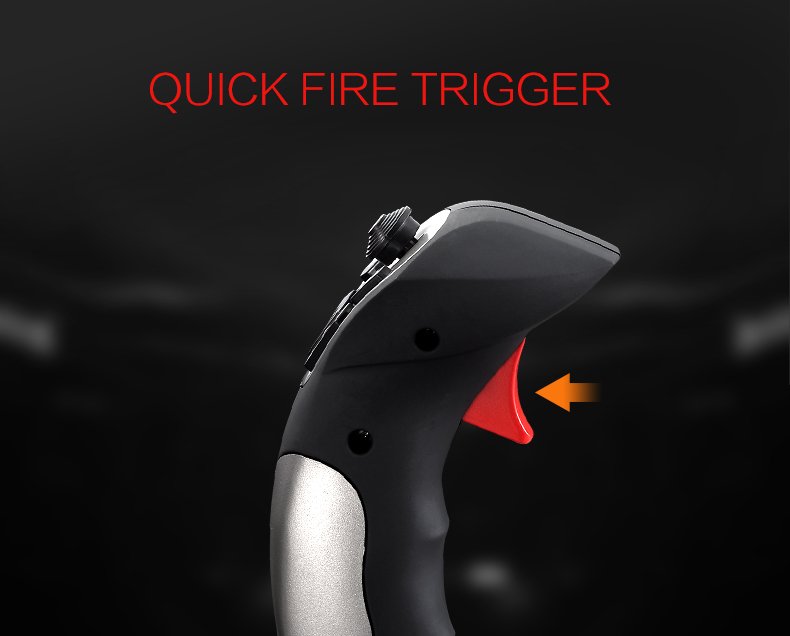
- 【Immersive Fly Experience for Your Flying Dream】PXN 2113 Pro You can make the right moves with rapid fire trigger,4 axis controlling,8-Way hat switch and 12 programmable buttons of this computer joystick for gaming pc flight. Advanced software, supports various custom adjustments and keyboard mapping,enjoy exciting joystick flight simulator controls for pc games now! Not only a game, but also a dream of flying!
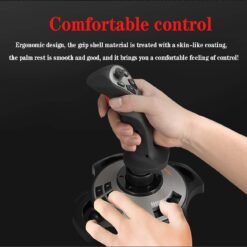
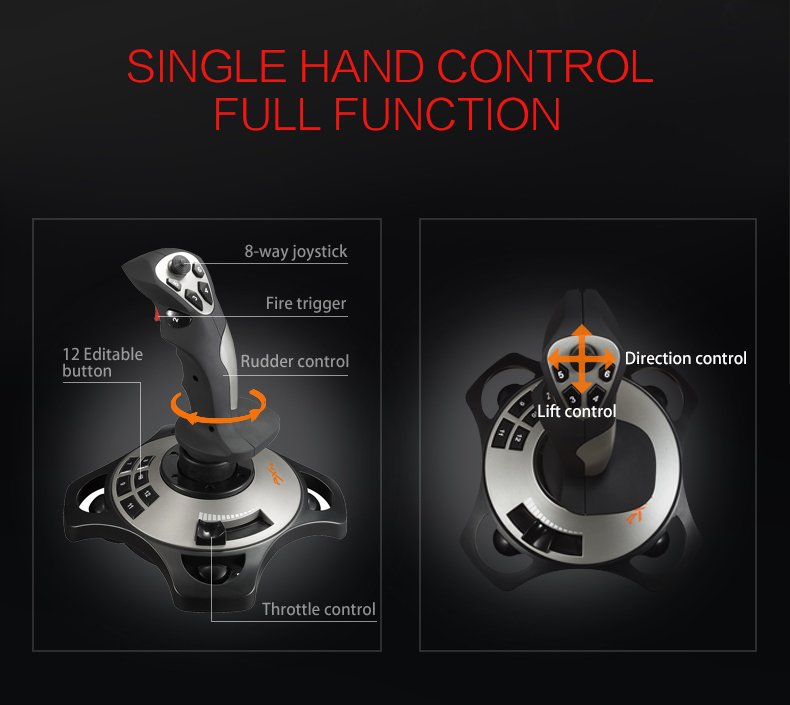
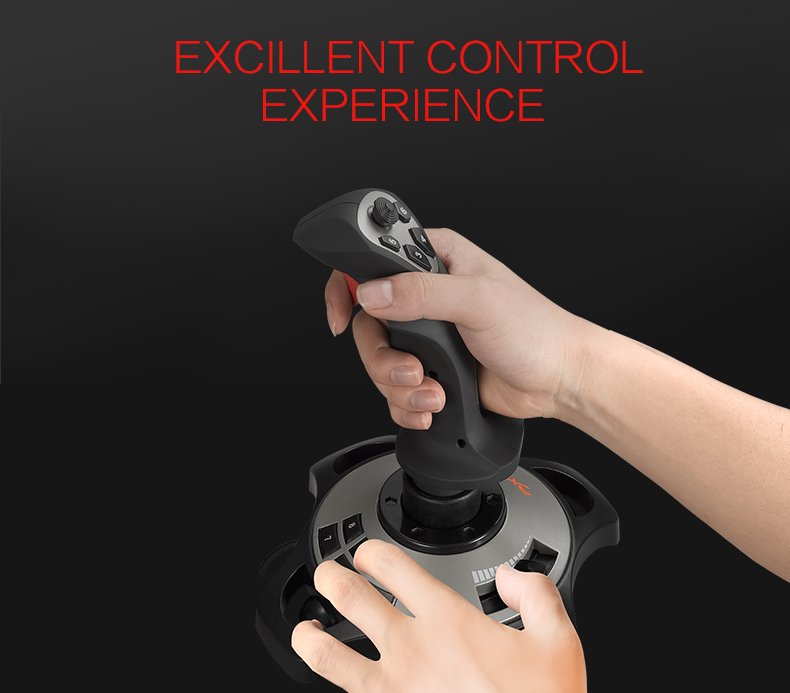
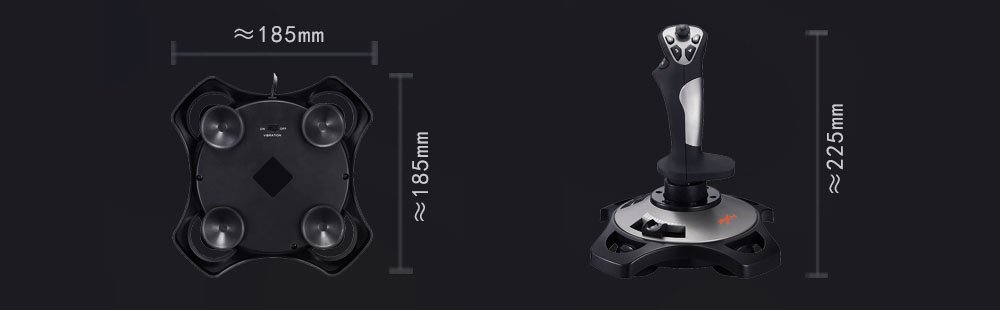
- 【Comfortable to Hold, Agile to Operate】This usb joystick for pc is with a solid and smooth feeling, very comfortable. Four power-grip suction cups at the bottom of this pc joystick for flight simulator pc games, they can fix firmly and easily when the table is smooth.Precise throttle control,Ergonomic design,Single hand control full function with this flight joystick for pc games.(Note:Force Feedback/Minecraft/Asphalt 8/Ace Combat 7 not supported) .This Flight simulation pc controller with Friendly and Easy-to-Reach Customer Service.If any problem,please contact us directly(Contact Seller) ,Fengying will reply within 12 hours.
- 【FAQ】:Q1:Why doesn’t it work on my pc/Xbox? A: It is ONLY for PC and Windows 7/8/10/11(Not for Mac/Apple devices/Xbox).Please turn on pc First and then connect with this joystick.If not ,some pc may not identify it. Q2: How to install the driver? A: No need to install the driver and can play games directly.If you need driver,please find “Installation” section in manual or follow below steps: 1:Visit PXN official website→Support→Driver→Find PXN-2113PRO driver to download. 2:Extract the driver and install. 3:Plug joystick into PC USB port,pc will identify new hardware and install automatically. 4:Play games or set the joystick in driver.The drive can test and calibrate the pc flight joystick.
- 【Setup Guide for Microsoft Flight Simulator】For PXN 2113 flight sim joystick pc setup in Microsoft Flight Simulation,please refer to below images and follow below steps: Step 1: Launch the game and click”MENU.FLOWBAR_ OPTIONS”,select“MENU.OPTIONS CONTROLS”. Step 2: Except the keyboard and mouse mode, also a joystick mode in game.Please click“GENERIC USB JOYSTICK” to map the key. (Note: The joystick should be plugged into PC before this setting). Step 3: For function settings,take “INPUT.KEY_ _SWITCH_ CAMERA”as an example,scroll down to select“Select an input”,click No.12 button, and finally click“VALIDATE”to save. PXN 2113 Pro

| Weight | 1 kg |
|---|---|
| Color | Black |
Only logged in customers who have purchased this product may leave a review.
• 【Immersive Fly Experience for Your Flying Dream】You can make the right moves with rapid fire trigger,4 axis controlling,8-Way hat switch and 12 programmable buttons of this computer joystick for gaming pc flight.Advanced software,Support various custom adjustment and keyboard mapping,enjoy exciting joystick flight simulator controls for pc games now! Not only a game, but also a dream of flying!
• 【Comfortable to Hold, Agile to Operate】This usb joystick for pc is with a solid and smooth feeling,very comfortable.Four power-grip suction cups at the bottom of this pc joystick for flight simulator pc games,they can fix firmly and easily when the table is smooth.Precise throttle control,Ergonomic design,Single hand control full function with this flight joystick for pc games.(Note:Force Feedback/Minecraft/Asphalt 8/Ace Combat 7 not supported).This Flight simulation pc controller with Friendly and Easy-to-Reach Customer Service.If any problem,please contact us directly(Contact Seller),Fengying will reply within 12 hours.
• 【FAQ】:Q1:Why doesn't it work on my pc/Xbox? A: It is ONLY for PC and Windows 7/8/10/11(Not for Mac/Apple devices/Xbox).Please turn on pc First and then connect with this joystick.If not,some pc may not identify it. Q2: How to install the driver? A: No need to install the driver and can play games directly.If you need driver,please find "Installation" section in manual or follow below steps: 1:Visit PXN official website→Support→Driver→Find PXN-2113PRO driver to download. 2:Extract the driver and install. 3:Plug joystick into PC USB port,pc will identify new hardware and install automatically. 4:Play games or set the joystick in driver.The drive can test and calibrate the pc flight joystick.
• 【Setup Guide for Microsoft Flight Simulator】For PXN 2113 flight sim joystick pc setup in Microsoft Flight Simulation,please refer to below images and follow below steps: Step 1: Launch the game and click"MENU.FLOWBAR_ OPTIONS",select“MENU.OPTIONS CONTROLS". Step 2: Except the keyboard and mouse mode, also have joystick mode in game.Please click“GENERIC USB JOYSTICK" to map the key. (Note:The joystick should be plugged into PC before this setting). Step 3: For function settings,take “INPUT.KEY_ _SWITCH_ CAMERA"as an example,scroll down to select“Select an input",click No.12 button,finally click“VALIDATE”to save.
Related products

GamePads and Controllers


GamePads and Controllers
GamePads and Controllers
PS4 Dualshock4 Wireless Gamepad Controller for PlayStation 4
GamePads and Controllers
GamePads and Controllers
GamePads and Controllers
GamePads and Controllers
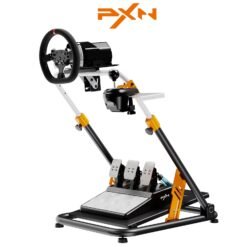
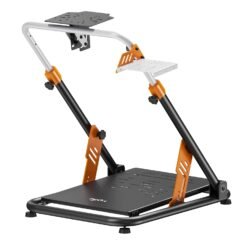
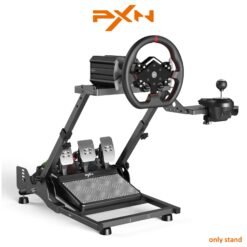
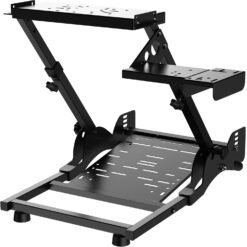
PXN A11 Gaming Steering Wheel Stand Foldable for MOZA R3 R5 R9/Logitech G25/G27/G29/G923
GamePads and Controllers

GamePads and Controllers
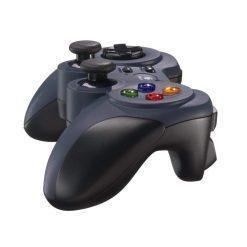
Logitech F310 USB Gamepad Console Style with XInput/DirectInput for PC and Android TVs
GamePads and Controllers
GamePads and Controllers
GamePads and Controllers
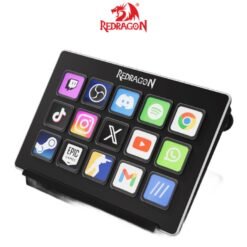
Redragon SS-550 Streamcraft 15 Customized LED keys Stream Desk for Gaming Streamers OBS Studio
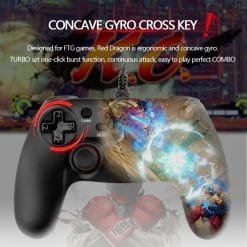
GamePads and Controllers
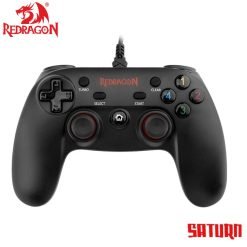
Redragon G807 SATURN Wired Gamepad, PC Joystick with Dual Vibration for PC, Android
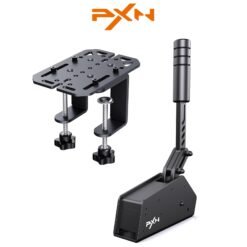
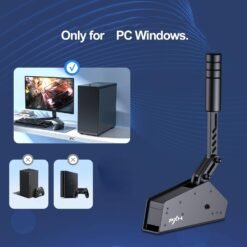
GamePads and Controllers
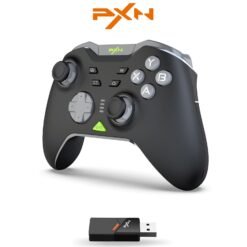
GamePads and Controllers

GamePads and Controllers
GamePads and Controllers
Console Gaming
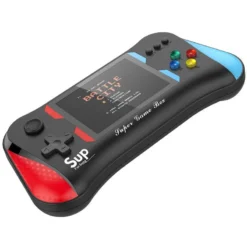
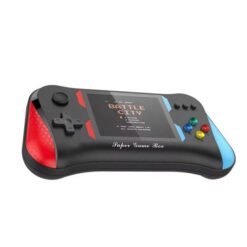
X7M HD Mini Retro SUP Handheld Game Console Portable with 3.5 inch Screen and 500 Built-in Games
GamePads and Controllers
Reviews
There are no reviews yet.